The device says the room is 21.5 °C. Your tool says 2.4e-41. Both are reading the same two registers. Welcome to Modbus floating point values, where the bytes are right but the order is wrong.
This guide explains why it happens, what ABCD and CDAB mean, and how to get the right value in seconds. You will also learn a few traps that look like byte order problems but are not.
Why floats are tricky in Modbus
Modbus was designed around 16-bit registers. Each register holds two bytes. That is fine for a counter or a setpoint in tenths of a degree.
A Float32 value needs 32 bits. So it takes two registers. A Float64 value takes four. The question is: which register comes first?
The Modbus specification says each register is sent big-endian: high byte first. But it does not say how to order two registers that form one 32-bit value. Each device maker decides. That is the root of most float problems. You can read the rules in the Modbus Organization specifications.
A quick look at Float32
Most devices use the IEEE 754 single precision format for floats. It packs a sign, an exponent and a fraction into 32 bits.
You do not need to decode it by hand. But one example helps. The value 21.5 is stored as the hex value 0x41AC0000. Split into bytes, that is:
- A = 0x41
- B = 0xAC
- C = 0x00
- D = 0x00
A is the most significant byte. D is the least significant. Keep these four letters in mind. They name the four byte orders.
The four byte orders: ABCD, CDAB, BADC, DCBA
Here is how the same value 21.5 can arrive in two registers, depending on the device.
| Order | Register 1 | Register 2 | Also called |
|---|---|---|---|
| ABCD | 0x41AC | 0x0000 | Big-endian, “no swap” |
| CDAB | 0x0000 | 0x41AC | Word swap |
| BADC | 0xAC41 | 0x0000 | Byte swap |
| DCBA | 0x0000 | 0xAC41 | Little-endian, byte and word swap |
Same value, four layouts. If your tool assumes ABCD but the device sends CDAB, it reads 0x000041AC. That is a tiny number close to zero, like the 2.4e-41 in our intro.
How to spot the order from the raw words
You can often guess the order from what you see:
- One register is 0x0000 and the value is round. Many simple values have a zero low word. If the zero word comes first, try CDAB.
- The value is huge, tiny or NaN. The order is almost surely wrong.
- The value is close, but strange. For example 21.5 shows as 21.49 or 1.2e+12. Try BADC and DCBA.
The fastest way is still to try all four and pick the one that matches reality.
How to read Modbus floating point values in ModbusMate
ModbusMate is our free Modbus tester. It runs in your browser, and it decodes floats for you.
Step 1: Poll the right registers
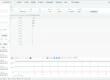
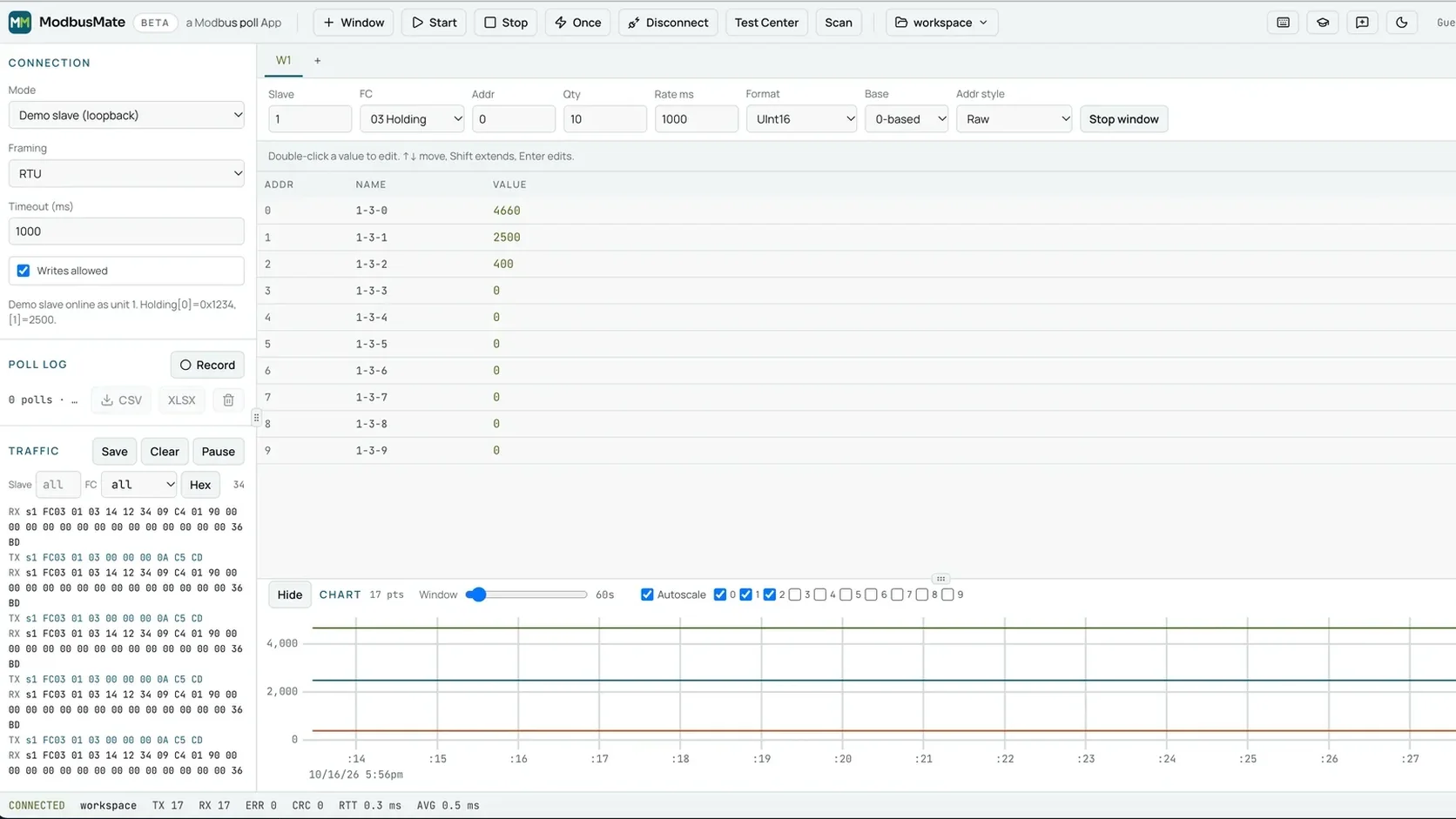
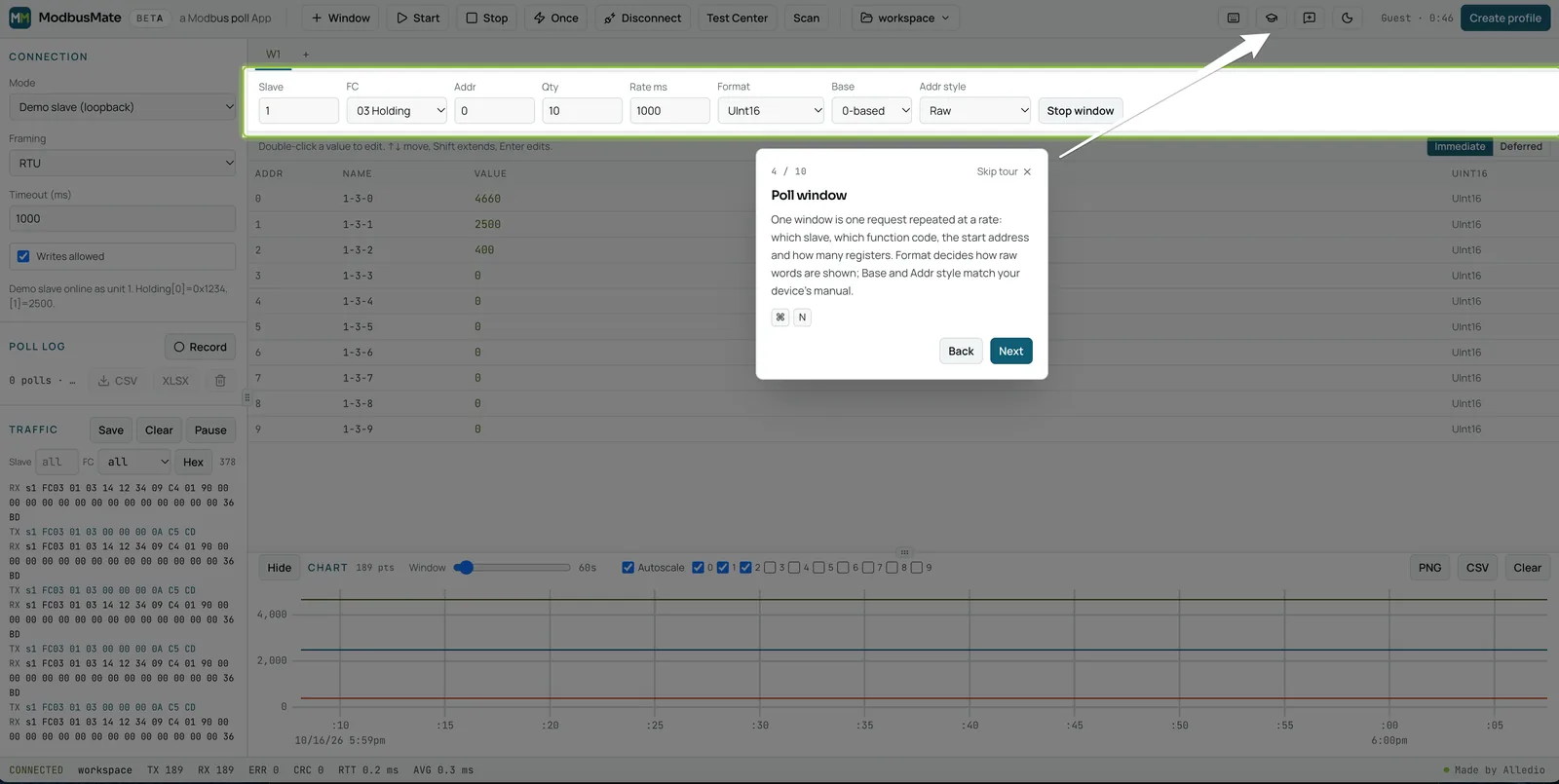
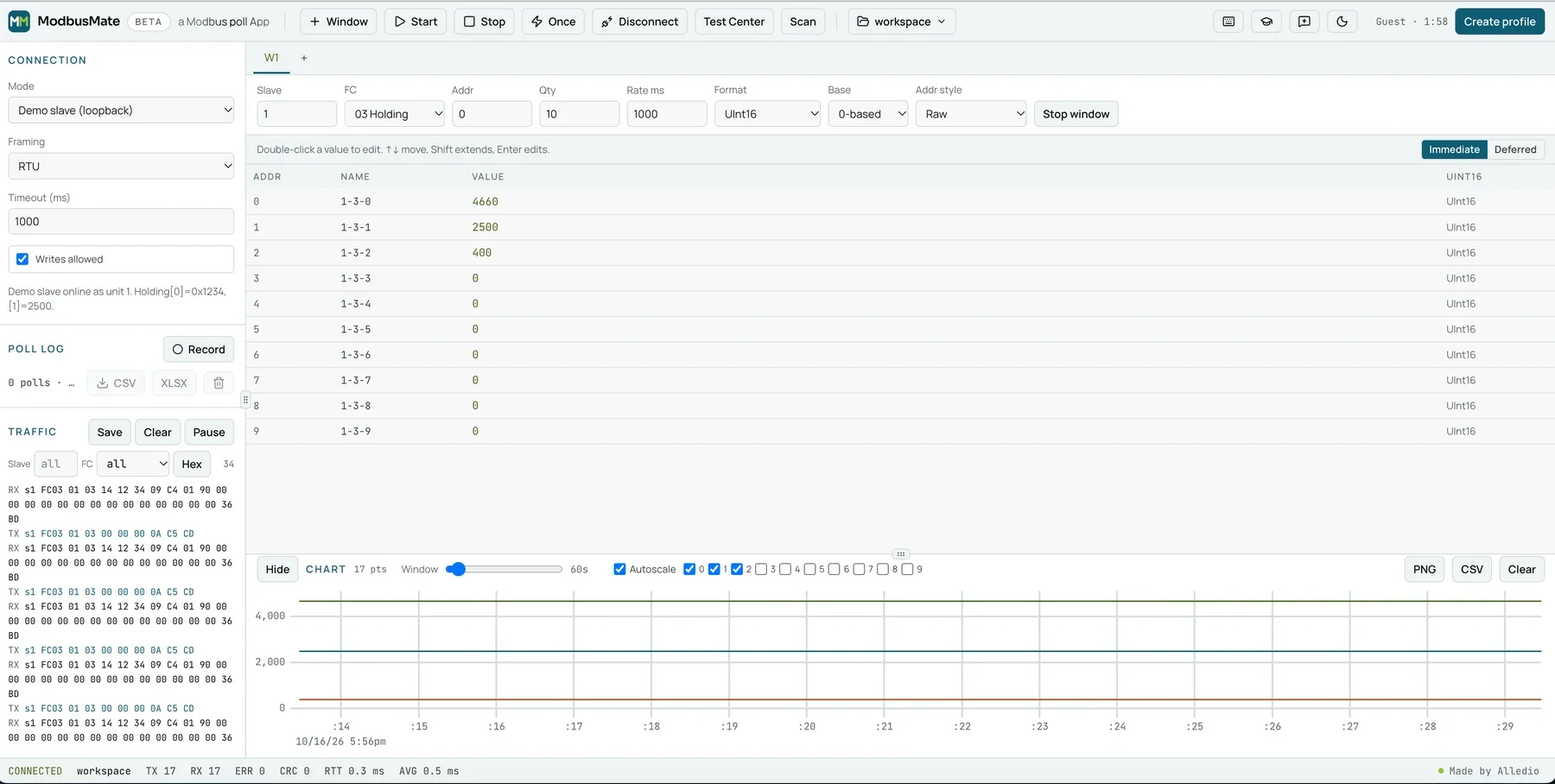
Open a poll window. Set the slave ID, function code (03 or 04 in most cases), the start address of the float and a quantity of 2 per Float32. For several floats in a row, raise the quantity in steps of 2.
Press F5 to start polling. Values that arrive turn green.
Step 2: Choose the format
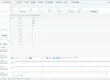
Choose how raw words are shown. ModbusMate offers:
- signed or unsigned 16, 32 and 64-bit integers,
- Float32 and Float64 in all four byte orders: ABCD, CDAB, BADC and DCBA,
- hex, binary, boolean and ASCII.
Pick Float32 ABCD first. If the value looks wrong, switch the order. In most cases, one click fixes it.
Step 3: Check against a known value
Compare with something you can verify. A room thermometer, the device display or a setpoint you just wrote. If the decoded value matches, you have the right order.
Step 4: Name and save
Name the register with Shift+F2, for example “Room temp (Float32 CDAB)”. Then save the workspace with Ctrl+S. Next time, the format is already set.
Traps that look like byte order problems
Sometimes no byte order gives a sane value. Then the problem is somewhere else.
Off by one register
This is the sneaky one. If your start address is one register off, you read the second half of one float and the first half of the next. No byte order can fix that.
The cause is often 0-based versus 1-based addressing. One manual says the float starts at 40101. Another tool expects 100. In ModbusMate, set Base to 0-based or 1-based so the numbers match the datasheet.
It is not a float at all
Many devices do not use floats. They send a 16-bit integer with a fixed scale. A value of 215 may mean 21.5 °C.
For those, use the Scaled format. It applies a × raw + b. With a = 0.1 and b = 0, the raw 215 reads as 21.5. The same works for a 4 to 20 mA count: set a and b to map the raw range to your engineering units.
It is a 32-bit integer
Some energy meters send counters as 32-bit integers. They also have a word order. If a float looks wrong, try signed or unsigned 32-bit integer in the format list.
It is a Float64
Some devices send double precision values in four registers. Set the quantity to 4 and pick Float64 in the right order.
The same four letters apply, just with eight bytes instead of four. A device that uses word swap for Float32 often does the same for Float64, but not always. Test it with a known value, as you did for Float32.
The same is true for 64-bit integers. Energy counters that run for years can exceed 32 bits. ModbusMate shows signed and unsigned 64-bit integers too.
A worked example from site
Here is a typical case. The numbers are an example.
You commission a heat meter. The datasheet lists “Supply temperature, Float32, register 40011”. You open a poll window with function code 03, start address 10 (0-based) and quantity 2.
The grid shows two raw words: 0x0000 and 0x4248. With ABCD, the value reads as a tiny number near zero. That is clearly wrong.
You switch to CDAB. Now the value reads 50.0. The display on the meter says 50 °C. Done. The device uses word swap.
You name the register “Supply temp (CDAB)” with Shift+F2 and save the workspace. The next meter of the same type takes ten seconds.
Notice what you did not do. You did not paste hex into a converter. You did not guess at the address. You changed one setting and checked one known value.
Questions to ask the device maker
If the datasheet is vague, ask these questions. A good maker can answer them in one line each.
- Which data type does each value use: Int16, Int32, Float32 or Float64?
- What is the word order for 32-bit and 64-bit values?
- Are register numbers in the map 0-based or 1-based?
- Is any value scaled, and by what factor?
Write the answers into your workspace as register names. Then nobody has to ask again.
If the maker cannot answer, test it yourself. Write a known setpoint, such as 22.0, then read it back in each order. The order that shows 22.0 is the right one. Do this only on a test bench or with the owner’s permission, never on a live plant you do not control.
Byte order and data types at a glance
| What you see | Likely cause | What to try |
|---|---|---|
| Tiny value, like 1e-40 | Often wrong word order (when one word is 0) | Try CDAB or DCBA first |
| Huge value or NaN | Wrong order or wrong start address | All four orders, then check address base |
| 10 times too big | Scaled integer, not a float | Scaled format with a = 0.1 |
| Value jumps between two numbers | Reading across two floats | Fix the start address |
| Odd but stable | Byte swap | BADC |
Charting floats once they make sense
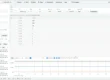
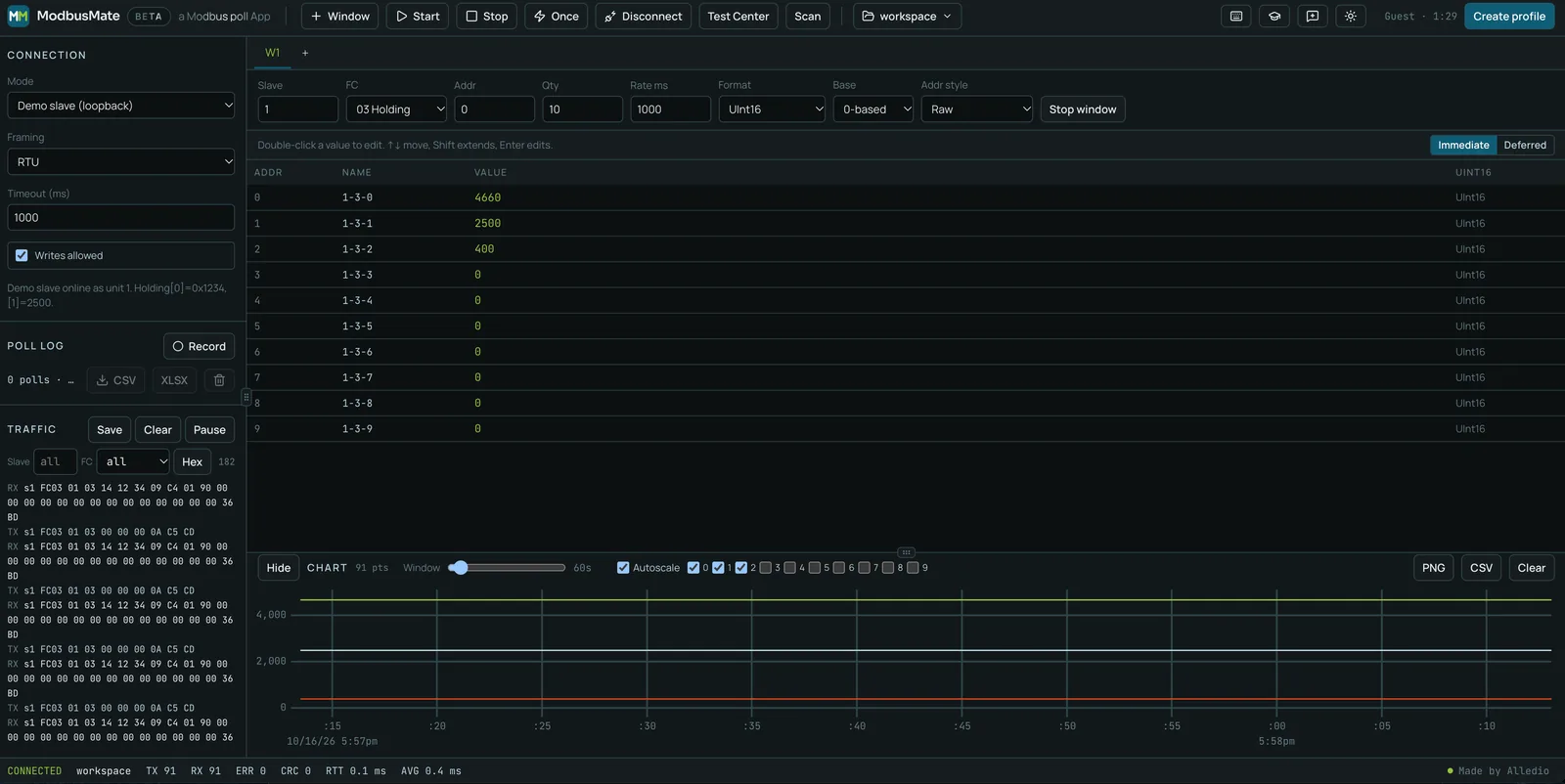
Once the value is right, you can trend it. Tick the registers you want and the chart draws them as polls come in. A window slider sets how far back you look.
Export the chart as PNG or CSV for your report. Or press Record and export the poll log to CSV or XLSX. That is useful when you need to show how a temperature or a flow changed during commissioning.
Why a tester saves time here
Float problems rarely come alone. On a real job you may have twenty values from five devices, each with its own type and order. Checking them one by one in a converter takes an afternoon.
Without a tester, people copy raw hex into online converters, one value at a time. It works, but it is slow and easy to get wrong.
In a tester, you switch the format and see the result at once. You can also see the raw frames in the traffic log, so you know exactly which bytes arrived. Every request and response shows in hex, with a CRC check for RTU.
If you want to understand the tool first, read our pillar guide to the Modbus tester. For finding devices first, see our post on the Modbus scanner.
Floats in Alledio sensors and controllers
When you integrate Alledio devices, always check the register map in the datasheet. It tells you the data type and the order for each value. Our Modbus RS485 sensor datasheet article shows what such a map looks like. You can find the current range on our Alledio OEM Modbus sensors page.
Still seeing odd values after all this? Our article on Modbus sensor configuration errors to avoid lists more common mistakes.
FAQ
Why does my Modbus float value look like nonsense?
Usually the word or byte order is wrong. Modbus does not define the order of the two registers in a 32-bit value. Try ABCD, CDAB, BADC and DCBA until the value matches reality.
What does CDAB mean in Modbus?
CDAB means the two 16-bit registers are swapped, but the bytes inside each register are not. It is often called word swap.
How many registers does a Modbus float use?
A Float32 uses two registers. A Float64 uses four registers.
What if no byte order gives the right value?
Check the start address first. Being one register off mixes two values. Then check if the value is really a scaled integer instead of a float.
Can ModbusMate decode Float64?
Yes. It shows Float32 and Float64 in all four byte orders, plus 16, 32 and 64-bit integers, hex, binary, boolean and ASCII.
Is ModbusMate free?
Yes. You start with a five-minute guest session, then create a free profile with your name and email. There is no paid tier.
Decode your floats now
Stop pasting hex into converters. Poll the registers, switch the order and see the real value at once.
Open ModbusMate and decode your floats
See all data formats on the ModbusMate product page.